
Upload a video
Select a video from Photos. Uploading continues in the background.
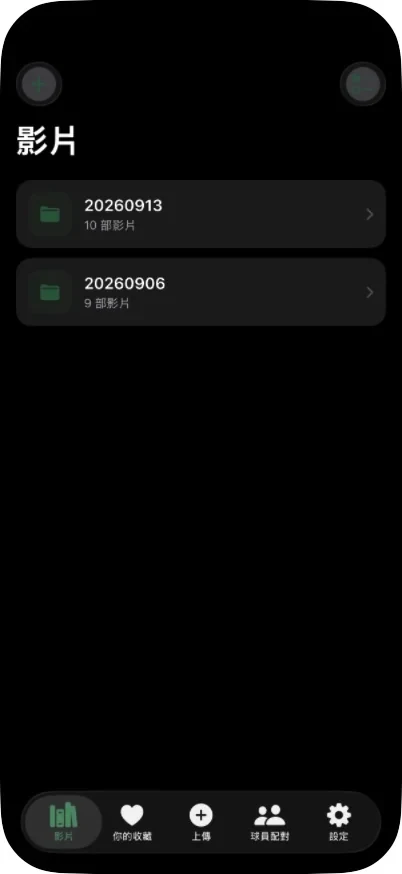
Upload a match video and VolleyIQ detects every rally and labels every touch, so within minutes you can go straight to any play.
iPhone (iOS 18 or later) · Free · Installation guide
No additional equipment required. A match filmed on a phone is enough.
Select a video from Photos. Uploading continues in the background.
Rallies, touches and players are detected on our servers, usually within 6–10 minutes per match.
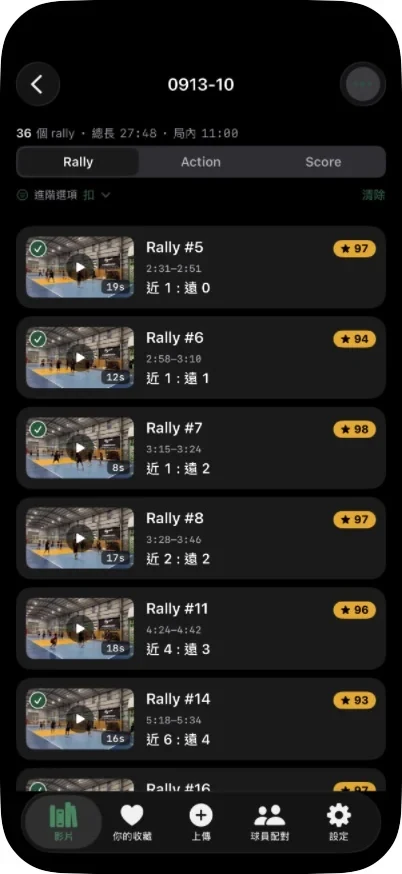
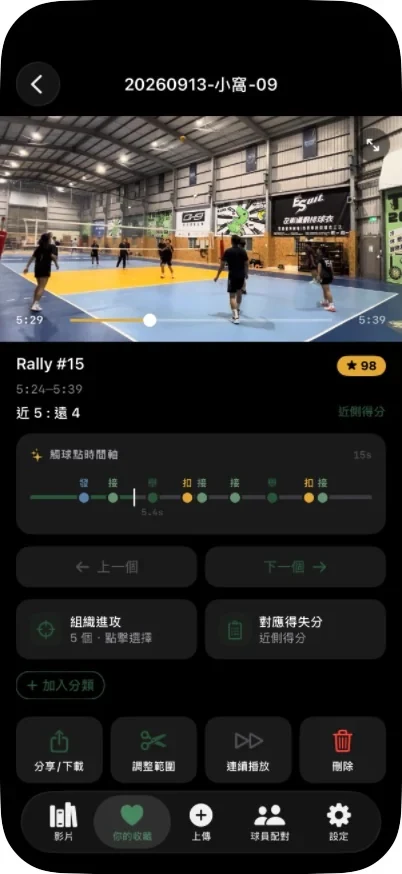
Go straight to any rally, touch or player, and share clips with your team.
A phone is enough. Camera position and framing are what matter.
Place the tripod at a corner of the court or just outside a sideline so both halves are in frame.
A raised camera shows player positions and where the ball lands, and reduces blocking by people in front.
Keep all four corners and the net in frame, and do not move or zoom while recording.
Five core features
Detects the start, end and point winner of every rally, turning a long match video into a list of rallies you can open directly.
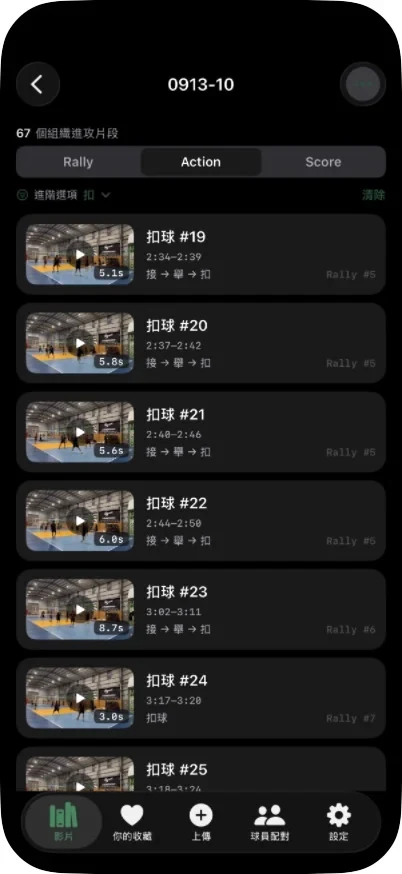
Labels every serve, reception, set, attack and block, with filters by player and action type.
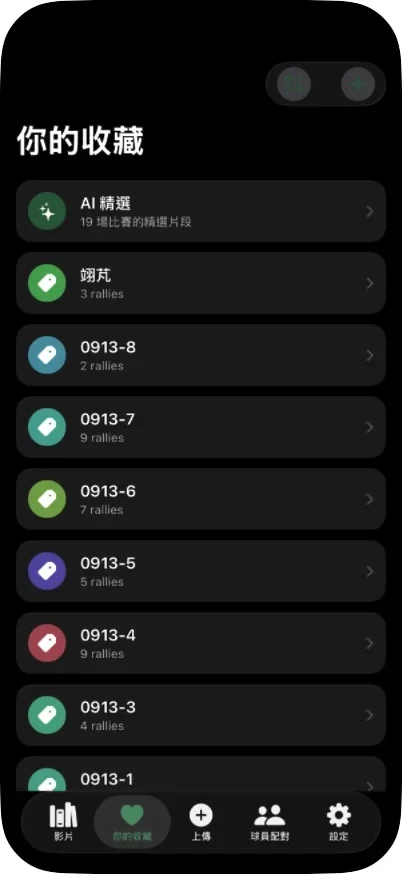
Correct the point winner and record why each point was lost; the most common errors on each side are summarized.
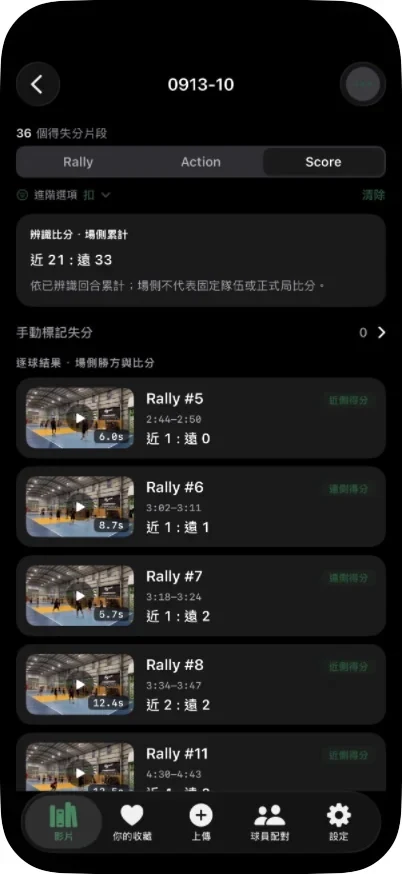
On-court appearances are grouped by visual similarity. Once a player is confirmed, review all of their touches and export a personal highlight reel.
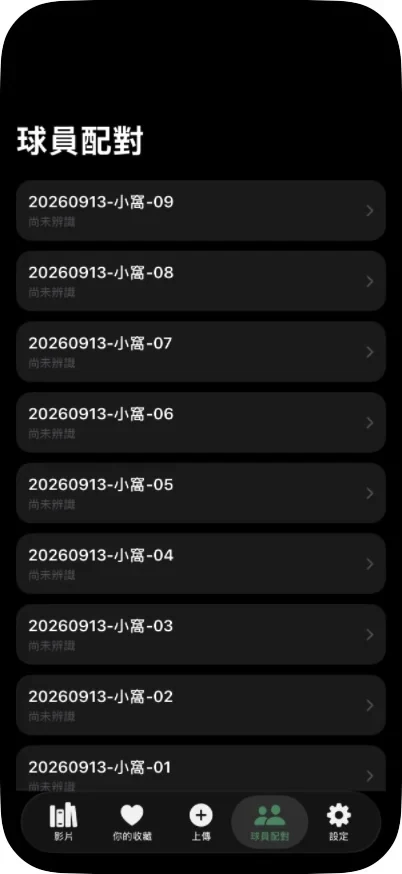
Save clips from any match into collections, compile highlight reels, and save them to Photos or share them by link.
A rally from a real match: the original video with the reconstructed ball path on the left, and the same rally in 3D on the right, playing in sync. Drag the 3D court to change the viewpoint.
Measured on test matches we did not train on.
Review every touch you make, track your performance and keep your best plays.
Review matches rally by rally, compare players and scout opponents more efficiently.
Revisit key rallies and share highlights quickly.
Turn matches into play-by-play data for statistics and match recaps.
Pro pricing and limits are provisional and may change before launch; the final price is shown in the App Store. Monthly limits count the first analysis of each match and reset on the 1st of each month (Taiwan time); re-analyses and failed analyses are not counted.

VolleyIQ is available as a free public beta on iPhone. To install:
Available on iPhone only (iOS 18 or later). An Android version is not currently available.